


Best Low End PC Games for Weak Hardware in 2026 Great Titles That Run Smoothly


Best Low End PC Games are perfect for gamers who want smooth performance and great gameplay without needing expensive hardware. Whether you’re using an older laptop or a budget desktop, there are plenty of amazing games that run efficiently while still delivering engaging stories, competitive action, and endless entertainment. Choosing the Best Low End PC Games allows you to enjoy high-quality gaming experiences with minimal system requirements, faster loading times, and stable frame rates even on limited setups.
Table Of Content
- What Defines a “Low-End” or “Weak” PC for Gaming?
- Key Hardware Limits: CPU, RAM, and Integrated Graphics
- How to Check Your PC’s Specifications
- Understanding Minimum vs. Recommended System Requirements
- Top Game Picks by Genre for Low-Spec Machines
- Role-Playing Games (RPGs)
- Strategy & Simulation
- Action & Adventure
- Puzzle & Casual
- Emulation & Retro Revivals
- The “Potato” Powerhouse
- Indie Gems and Pixel Art Adventures
- Classic Strategy and Management Games
- Question-Answer
- My laptop only has 4GB of RAM and integrated graphics. What are some genuinely good games from the last 5 years that will run?
- I’ve played all the classic low-end games like Half-Life and Stardew Valley. Can you suggest deeper, perhaps less obvious titles?
- Are there any good free-to-play games for low-end PCs that aren’t full of pay-to-win mechanics?
- What specific settings should I change first in a game’s options menu to improve performance on my old PC?
- Can I play any interesting multiplayer games with friends if I have the weakest computer in the group?
- My laptop only has integrated graphics and 4GB of RAM. Are there any genuinely good, modern games from the last few years I can actually run?

If your system struggles with modern demands, start with Stardew Valley. This indie farming-life sim is a masterclass in optimization, running seamlessly on hardware often described as a potato. Its deep mechanics and charming pixel-art aesthetic prove that engaging gameplay requires no graphical horsepower, offering hundreds of hours of relaxed or intense engagement for a modest budget.

The landscape of lightweight entertainment is vast, dominated by brilliant indie creations and timeless classics. Titles like Undertale or Celeste deliver profound narratives and tight gameplay with minimal system strain. For strategy enthusiasts, the retro masterpiece Heroes of Might and Magic III remains endlessly replayable, while modern, optimized gems like Vampire Survivors demonstrate how simple concepts can become utterly addictive.


Don’t overlook revitalized classic genres. Point-and-click adventures, such as Disco Elysium, offer dense, text-driven worlds that are light on your GPU. Similarly, deck-builders like Slay the Spire provide deep strategic challenge without demanding 3D rendering. This ecosystem ensures that owning modest hardware is not a limitation, but a gateway to some of the most creatively focused and rewarding interactive experiences available today.
What Defines a “Low-End” or “Weak” PC for Gaming?
Think of a “potato” PC as any system built with integrated graphics or hardware older than 2015, typically costing under $500. The core constraint is the GPU, or lack thereof. If your machine relies on Intel UHD, Intel Iris Xe, or older AMD Radeon Vega graphics, you’re in this territory. A CPU with 2-4 cores (like an Intel i3 or AMD Ryzen 3) and 4-8GB of RAM further defines this category.
For a practical benchmark, if your setup struggles with or cannot run titles like “Grand Theft Auto V” (2013) or “The Witcher 3” (2015) at 30 FPS on low settings, it qualifies as underpowered for modern AAA demands. This hardware profile excels with specific software approaches: playing indie games, engaging in emulation for retro consoles, and seeking out optimized or lightweight experiences designed for broad accessibility.
| Component | Typical “Low-Spec” Threshold | Practical Implication for Players |
|---|---|---|
| Graphics (GPU) | Integrated (Intel UHD, AMD Vega) or dedicated cards like NVIDIA GeForce GTX 750 Ti or older. | Forces a focus on 2D, pixel-art, or stylized 3D indie titles. Makes emulation of systems up to PlayStation 2 / GameCube viable. |
| Processor (CPU) | Dual or Quad-core CPUs (e.g., Intel Core i3-4xxx series, AMD FX-series). | Limits modern physics and AI computation. Well-suited for casual and turn-based games, or older PC classics. |
| Memory (RAM) | 4GB (absolute minimum), 8GB (recommended sweet spot). | With 4GB, closing all background applications is mandatory. 8GB allows for a stable experience with most lightweight games. |
| Storage | Traditional Hard Disk Drive (HDD). | Results in longer load times. Prioritize installing smaller games (under 5GB) for a smoother workflow. |
This hardware profile is not a limitation but a different gaming avenue. The ecosystem of budget-friendly and expertly optimized indie games is vast. Furthermore, emulation opens libraries of thousands of retro classics from consoles like the SNES, PS1, and PSP, which run flawlessly. The key is targeting software engineered for scalability, often marked as “low-spec” or “potato” by their communities.
Ultimately, a modest system prioritizes gameplay over graphical fidelity. It’s the ideal platform for discovering innovative indie projects, revisiting timeless retro gems through emulation, and enjoying casual sessions without needing a cutting-edge, expensive rig. Performance tuning through settings like resolution scaling is your primary tool for achieving smooth frame rates.
Key Hardware Limits: CPU, RAM, and Integrated Graphics
Focus on titles designed for integrated graphics like Intel UHD or older AMD Radeon Vega cores; these GPUs share system RAM, making 8GB a practical minimum, with 16GB providing crucial headroom for modern indie and casual experiences.
A dual-core CPU from the last decade can handle a vast library of classic and 2D games, but aim for a quad-core processor to smoothly run emulation of consoles up to the PlayStation 2 era. For potato systems, prioritize games released before 2015 or those famously optimized, such as pixel-art RPGs or side-scrollers.
Your RAM is the lifeline for integrated systems. While 4GB might run retro titles, 8GB is the true entry point for a reliable budget gaming setup, preventing stutter when Windows and a game compete for memory. This spec is often more critical than raw CPU speed for a fluid experience.
Ultimately, successful gaming on modest components is about software selection. Seek out modern indie projects built on efficient engines and delve into the rich catalog of expertly optimized classic games that defined their generations, all while leveraging emulation to revisit legendary consoles without demanding hardware.
How to Check Your PC’s Specifications
Open the System Information panel by pressing the Windows key, typing “System Information,” and hitting Enter. This utility provides a complete overview of your machine’s core components, which is essential for determining compatibility with lightweight and optimized software.
For a quick hardware check, use the DirectX Diagnostic Tool. Press Windows + R, type “dxdiag,” and press Enter. The “System” tab lists your CPU model and installed memory (RAM), while the “Display” tab details your graphics processor, crucial for identifying integrated graphics capabilities.
Third-party software like CPU-Z offers granular detail. It precisely identifies your CPU’s architecture, clock speed, and the exact model of your RAM. GPU-Z performs a similar function for your graphics chip, revealing its VRAM amount–a critical limit for running modern indie titles or retro emulation.
Check your available storage space in File Explorer. Right-click on your primary drive (usually C:) and select “Properties.” Many casual and budget-friendly games require only a few gigabytes, making even older hard drives sufficient.
Cross-reference your discovered specs–particularly CPU generation, RAM amount, and graphics model–with the minimum requirements listed on a game’s store page. This simple step prevents frustration and confirms if a title is truly potato-friendly before purchase.
Understanding Minimum vs. Recommended System Requirements
Always target the “Minimum” specs as your absolute baseline, but treat the “Recommended” as the true target for a smooth experience. The “Minimum” often means the game will merely launch, potentially at very low resolutions like 720p with sub-30 FPS and all graphical settings disabled. Hitting “Recommended” specifications typically ensures 1080p resolution at 30-60 FPS with medium to high visual fidelity.
For systems with integrated graphics or older components, prioritize titles where your specs meet or exceed the “Recommended” tier. This is a reliable strategy for discovering enjoyable indie and lightweight adventures. Many modern budget-friendly and casual games are engineered with this in mind, offering rich gameplay without demanding hardware. Exploring digital storefronts with filters set to your specific GPU model is a practical method to find compatible software.
Do not overlook the vast library of retro and classic titles. Games from the early 2000s or prior almost always list requirements that even the most modest modern potato PC can surpass with ease. Furthermore, emulation of older console generations (like PS1, PSP, or GBA) is often less taxing than running native PC software from the same era, opening thousands of proven games. Always verify community feedback on performance for your specific hardware configuration, as official requirements can sometimes be inaccurate or overly optimistic.
Top Game Picks by Genre for Low-Spec Machines
Forget demanding AAA releases; these curated selections prove fantastic gameplay thrives on modest systems. Each title is a champion of optimization, running smoothly on integrated graphics and older CPUs.
Role-Playing Games (RPGs)
Dive into deep narratives without a dedicated GPU. Stardew Valley is the quintessential life-sim RPG, a perfectly optimized indie masterpiece. For classic CRPG action, Baldur’s Gate: Enhanced Edition runs on virtually any setup made in the last 15 years. The 2D isometric perspective of Undertale or its successor Deltarune delivers an unforgettable story with minimal hardware strain.
Strategy & Simulation
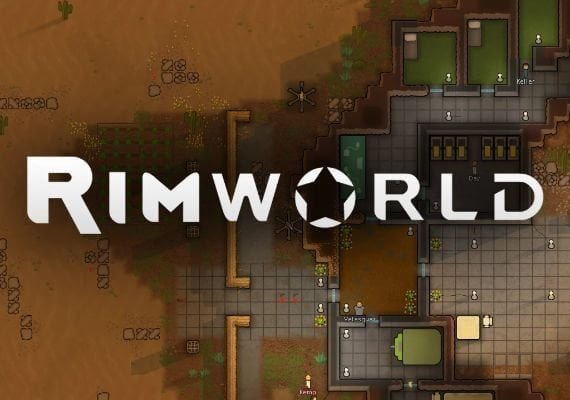
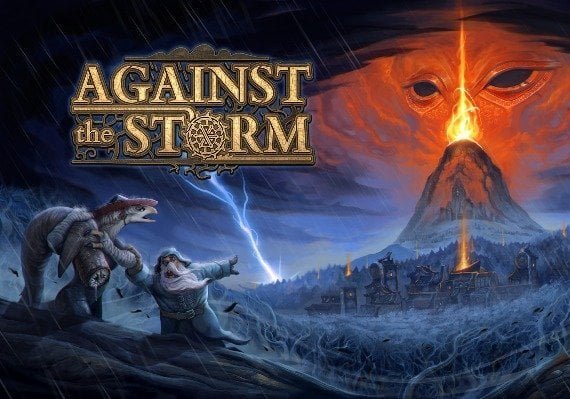
These games prioritize brainpower over graphical power. RimWorld, with its stylized graphics, generates complex colony management stories. The turn-based tactics of Into the Breach offer infinite replayability in a tiny package. For city builders, Banished or the more recent Against the Storm (early access) provide deep simulation on integrated graphics.


Action & Adventure
Experience fluid gameplay and rich worlds. The Hotline Miami series delivers blisteringly fast top-down action with a retro synthwave aesthetic. Terraria offers hundreds of hours of exploration, crafting, and combat in a 2D sandbox. For 3D adventure, Portal and Portal 2 remain benchmarks for brilliant design and stellar performance on older hardware.




Puzzle & Casual
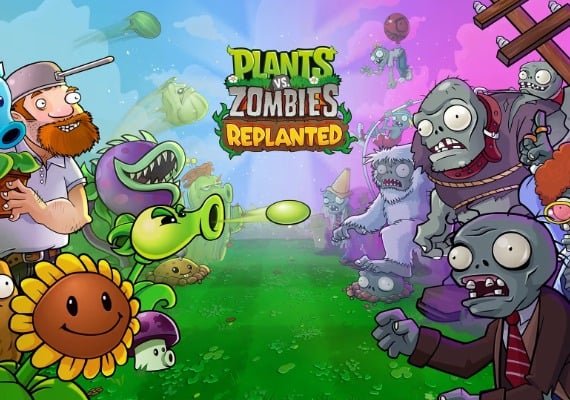
Perfect for short sessions or long engagements. Dorfromantik is a supremely peaceful tile-placement game. The mystery of Return of the Obra Dinn, rendered in a distinctive 1-bit style, is a performance-light detective masterpiece. Classic puzzle gameplay shines in World of Goo or Plants vs. Zombies.


Emulation & Retro Revivals
Your modest machine is a gateway to gaming history. Emulators for consoles up to the PlayStation 1 / Nintendo 64 era run flawlessly. Explore modern titles inspired by the past:
- Shovel Knight: Treasure Trove – A love letter to 8-bit platformers.
- Celeste – A precision platformer with a timeless pixel art style and compelling narrative.
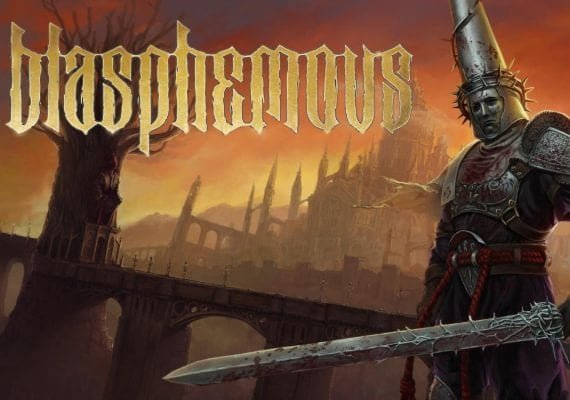
- Blasphemous – A punishing Metroidvania with a striking Gothic pixel aesthetic.

The “Potato” Powerhouse
These titles define the “can run on a potato” meme, yet offer immense depth:
- Vampire Survivors – Minimalist graphics power a ridiculously addictive gameplay loop.
- Brotato – A top-down, lightweight survivor-like with massive build variety.
- Dusk – A retro-style FPS that captures the feel of ’90s shooters with modern optimization.
Focus on titles with 2D, pixel art, or stylized low-poly 3D visuals. Community forums and websites like “Can You RUN It” are invaluable for checking specific performance on your configuration before a budget-friendly purchase.
Indie Gems and Pixel Art Adventures
Stardew Valley delivers a deep farming-life simulator where a 2GB RAM system with integrated Intel HD 4000 graphics can run its charming world at 60 FPS. Its pixel art style conceals hundreds of hours of gameplay involving farming, mining, relationships, and exploration, all controlled with simple inputs.
These experiences excel on modest machines because their visual design prioritizes artistry over technical demand. Key advantages include:
- Minimal CPU load due to smaller game worlds and simpler physics.
- Very low VRAM usage, often under 512MB, perfect for integrated graphics.
- Small storage footprints, frequently under 500MB, saving space on budget drives.
For action, Dead Cells is a standout lightweight title. This “roguevania” requires only a dual-core CPU and 2GB of RAM, yet offers tight, responsive combat and immense replayability. Its fluid animation and detailed pixel environments run smoothly on decade-old hardware.

Emulation opens another library of classic experiences. Using lightweight emulators like RetroArch or MyBoy! for Game Boy Advance allows you to run timeless games such as:
- Advance Wars (turn-based strategy).
- Metroid Fusion (action-adventure).
- Final Fantasy Tactics Advance (tactical RPG).
Celeste is a masterclass in precise platforming with a meaningful narrative. It targets 60 FPS on hardware as basic as an Intel Core 2 Duo and Intel HD 3000 graphics. Its assist mode also makes it accessible for players of all skill levels on any setup.
Undertale remains a quintessential indie RPG that redefines player choice. The entire game is a compact 200MB file and will launch on virtually any Windows PC made in the last 15 years, proving that creative design trumps raw graphical power.
For a cooperative experience, Lovers in a Dangerous Spacetime requires a crew to man a spaceship. Its vibrant, colorful visuals are surprisingly easy to process, needing only a 2.0GHz dual-core processor and 2GB of system memory for a smooth, chaotic adventure.

Classic Strategy and Management Games
Dive into RollerCoaster Tycoon 2, a masterpiece of management that runs on a literal potato. Its isometric 2D graphics and efficient code allow for deep park simulation on any integrated GPU, offering hundreds of hours of creative, strategic gameplay.

For turn-based tactical depth, Heroes of Might and Magic III remains the gold standard. Its sprite-based visuals and methodical pacing are perfect for older systems, delivering epic fantasy campaigns and hot-seat multiplayer that modern titles struggle to match.
![Heroes of Might & Magic III HD Edition [Online Game Code]](https://m.media-amazon.com/images/I/91pd9D-igVL._SS520_.jpg)
The classic city-builder Pharaoh + Cleopatra demands careful resource management and planning. This historical sim uses a simple 2D engine to create surprisingly complex logistical chains, proving that strategic challenge doesn’t require 3D rendering.

Explore the retro real-time strategy of Age of Empires II: Definitive Edition. While a modern release, its performance options let you scale visuals down dramatically, making its timeless conquest and civilization-building accessible on modest laptops.

Indie developers keep this genre alive. OpenTTD is a free, open-source expansion of Transport Tycoon Deluxe, offering infinite depth in creating efficient transit networks with charming pixel-art graphics.
For a more casual but no less engaging experience, Plants vs. Zombies provides brilliant tower defense strategy. Its cartoonish 2D art and clever level design ensure smooth performance and addictive “just one more level” gameplay on any machine.
Don’t overlook the business simulation of Capitalism Lab. This text-and-spreadsheet-heavy title focuses purely on economic strategy, making it incredibly lightweight while offering unparalleled depth in corporate empire-building.
Question-Answer:
My laptop only has 4GB of RAM and integrated graphics. What are some genuinely good games from the last 5 years that will run?
Several excellent recent games are designed with low specs in mind. “Loop Hero” (2021) is a brilliant mix of strategy and idle gameplay with a retro aesthetic that runs on nearly anything. “Vampire Survivors” (2022) became a phenomenon for its simple controls and addictive progression, and it has very modest demands. For a narrative experience, “Norco” (2022) is a point-and-click adventure with stunning pixel art that performs well on weak hardware. “Celeste” (2018) is a precise platformer with a deep story, and its pixel-based graphics ensure smooth performance. Lastly, “Dome Keeper” (2022) offers a compelling loop of exploration and base defense with a visual style that is light on resources.



I’ve played all the classic low-end games like Half-Life and Stardew Valley. Can you suggest deeper, perhaps less obvious titles?
Certainly. Look into “Caves of Qud,” a deeply complex and strange roguelike RPG with a rich world, presented through ASCII and simple tiles. “Project Zomboid” is a hardcore survival simulator where the isometric view allows for detailed systems without heavy graphics. “Kenshi” provides a massive, ruthless sandbox RPG to explore with a minimalistic aesthetic. For a unique strategy game, “Battle Brothers” offers tough, turn-based tactical combat in a low-fantasy world. These games prioritize mechanical depth and world simulation over visual fidelity, creating hundreds of hours of engagement.



Are there any good free-to-play games for low-end PCs that aren’t full of pay-to-win mechanics?
Yes, a few stand out for being fair and performant. “Dwarf Fortress” is now completely free, and while its classic ASCII version is famously lightweight, the new Steam version with graphics still runs on integrated chips if you adjust the settings. “Path of Exile” is a demanding game at high levels, but its minimum requirements are quite low, and it’s renowned for its fair free-to-play model centered around cosmetic purchases. “Team Fortress 2” continues to run on older systems and monetizes only cosmetics. “OpenTTD” is a free, open-source remake of Transport Tycoon Deluxe, offering infinite management gameplay.

What specific settings should I change first in a game’s options menu to improve performance on my old PC?
Focus on the settings that strain the GPU and CPU most. First, lower the resolution; it has the biggest impact. Then, switch shadows to low or off, as they are computationally expensive. Reduce or disable anti-aliasing. Lower texture quality if you’re short on VRAM. Turn off ambient occlusion, depth of field, and motion blur. These post-processing effects add visual polish but cost performance. Also, look for a “render scale” or “resolution scale” option and set it to 100% or lower. Changing these will typically yield a much smoother frame rate.
Can I play any interesting multiplayer games with friends if I have the weakest computer in the group?
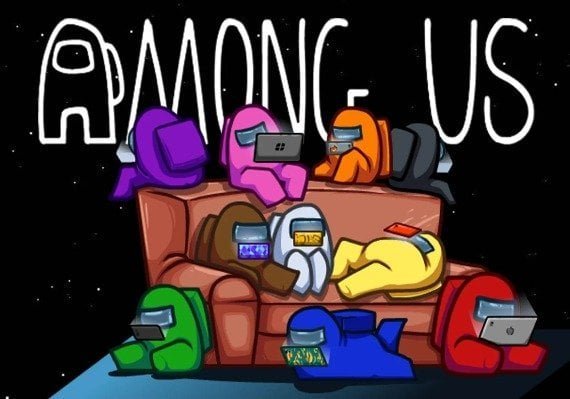
Absolutely. Many popular multiplayer games are designed for broad accessibility. “Terraria” is a 2D sandbox adventure with low requirements and superb co-op. “Among Us” is famously lightweight. “Left 4 Dead 2” is an older title but still has a vibrant community and runs on very old hardware. For chaotic fun, “Garry’s Mod” offers countless player-created modes. “Albion Online” is a full-fledged sandbox MMO with a top-down view that scales well to weaker systems, allowing you to play in the same persistent world as your friends.


My laptop only has integrated graphics and 4GB of RAM. Are there any genuinely good, modern games from the last few years I can actually run?
Absolutely. Many developers still create excellent games with low hardware requirements. A standout title is “Vampire Survivors” (2022). Its simple graphics hide a deeply engaging gameplay loop. You control a character who automatically attacks, collecting experience and power-ups to survive against thousands of on-screen enemies. It’s incredibly addictive and runs on nearly any system. Another great choice is “Loop Hero” (2021). This clever mix of RPG and strategy uses retro pixel art. You place cards on a path to spawn enemies and resources for your hero, who fights automatically. It’s a thoughtful, atmospheric game that demands very little from your PC. For something narrative-driven, “Norco” (2022) is a point-and-click adventure with a striking visual style and a compelling story. These prove you don’t need powerful hardware for a rich gaming experience.


